
Invisible Text Generator PRO
Use our advanced invisible text generator to create hidden letters and blank characters. Perfect for forms, silent messages on WhatsApp, Instagram, TikTok, Discord, and hiding game names – just copy and paste anywhere.

Get Our Free Chrome Extension!
Install our free Chrome extension for instant invisible text generation directly from your browser.
Also available for FireFox
What Is an Invisible Text Character?

An invisible text generator is a simple tool that helps you stand out and grab attention for online users.
It has become very popular on social media platforms like Instagram, TikTok, and WhatsApp, where users love doing creative and fun things.
You can surprise or prank your friends by sending messages that look completely empty or hide, which often leaves them confused. Even though the message looks blank, people still take it seriously because something is actually there.
You usually can’t use zero-width space for usernames, but it works perfectly for display names and bios. Many pro gamers also use invisible text names in games like PUBG to confuse opponents. There are multiple ways to use invisible characters for fun and creativity.
There are multiple ways to use invisible characters for fun and creativity, and you can even mix them with tools like a small text generator to make your pranks and profiles more interesting.
So when you generate invisible text, you’re really just creating a string of these
invisible Unicode characters. Lets explore our Unicode’s list.
You don’t see them.
But they’re real – and they work everywhere text works.
Now let’s explore why this matters…
List of Unicode & Invisible Empty Characters
Why Use Our Invisible Text Generator?
Our invisible text generator is a simple but powerful tool that helps you create blank text that still works as real characters.
It is useful for both fun and practical purposes.
Send Empty Messages
Using this tool, you can send blank messages to any social websites or mobile apps where normal spaces are not accepted.
Copy & Paste (One-Click)
The tool lets you generate invisible text fast and copy it with a single click.
Once copied, you can paste the blank characters anywhere without facing restrictions.
No Installation or Signup
This tool is advanced but no need to download inside your computer or mobiles. And you don’t need to create an account or signup process to generate invisible characters. Our invisible text tool works directly in your browser, save your time and effort.
Test Before Using
After using the single click COPY option, you can use the testing option (Draft) Section, PAST the coping
text to confirm that the blank space has been copied correctly and works as well.
Completely Free to Use
Our tool is fully free for everyone. You can use it for social media, gaming, forms, or any other online purpose without any limits.
Where You Can Use Invisible Characters?
Invisible characters might seem tiny, but their practical applications are wide, especially
across modern social and online platforms. Here’s where you can use them.
WhatsApp Blank Messages
Normally, WhatsApp won’t let you send an empty message. But if you paste invisible text that’s been generated, it’ll look blank — yet still count as a valid message in chat.


Facebook Messenger Empty Chats
Messenger rejects empty text, but invisible characters bypass that restriction and show as blank spaces
Telegram Invisible Messages
Telegram will show your message bubble, but no text — perfect for fun pranks or formatting tricks.


Discord Blank Usernames & Messages
Discord doesn’t let you have usernames made up only of spaces. Invisible Unicode characters are recognized as valid input and let you create blank-looking names.
Instagram Bio and Username Spacing
Want your bio text precisely centered? Invisible text provides exact spacing that normal spaces can’t achieve.


TikTok Profile Formatting
Invisible text makes unique profile layouts possible, especially when character limits or formatting rules are strict.
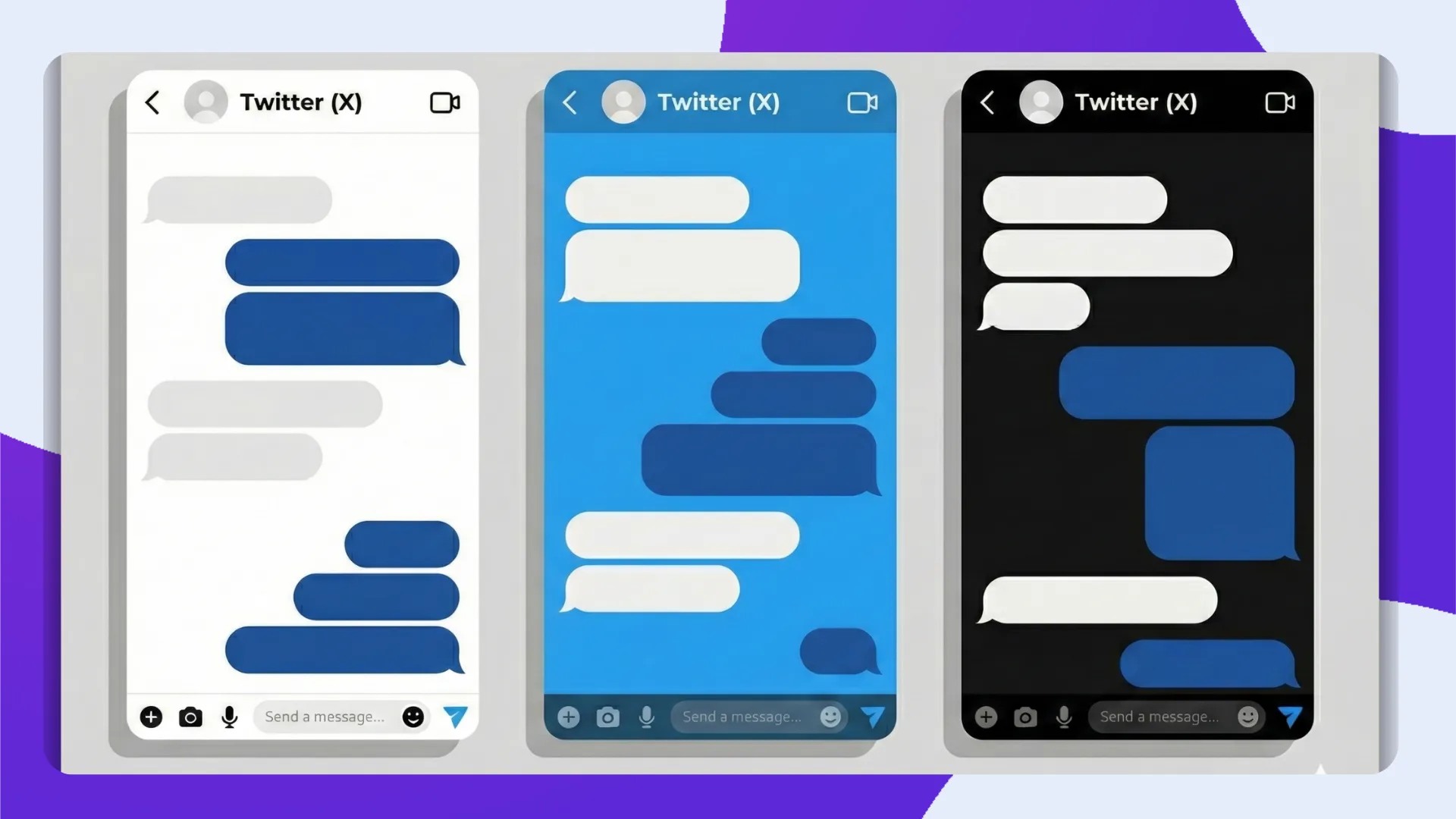
Twitter (X) Profile Spacing
Twitter collapses normal spaces, but invisible characters let you create intentional spacing and line breaks.
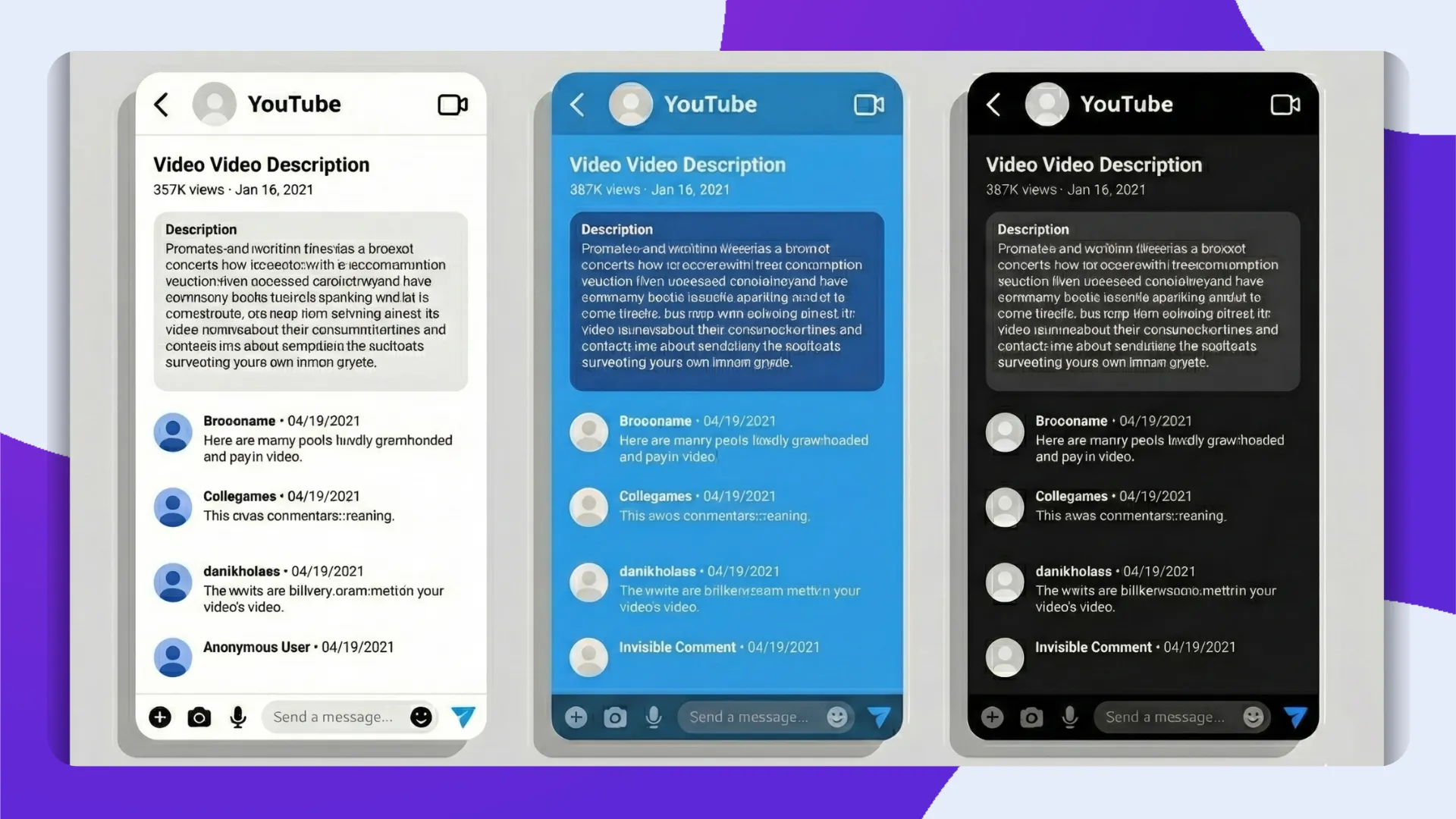
YouTube Description and Comment Spacing
Add custom spacing or hidden lines in YouTube descriptions and comments using invisible text.
LinkedIn Profile Spacing
Use invisible characters to format LinkedIn headlines and summaries in more unique ways.

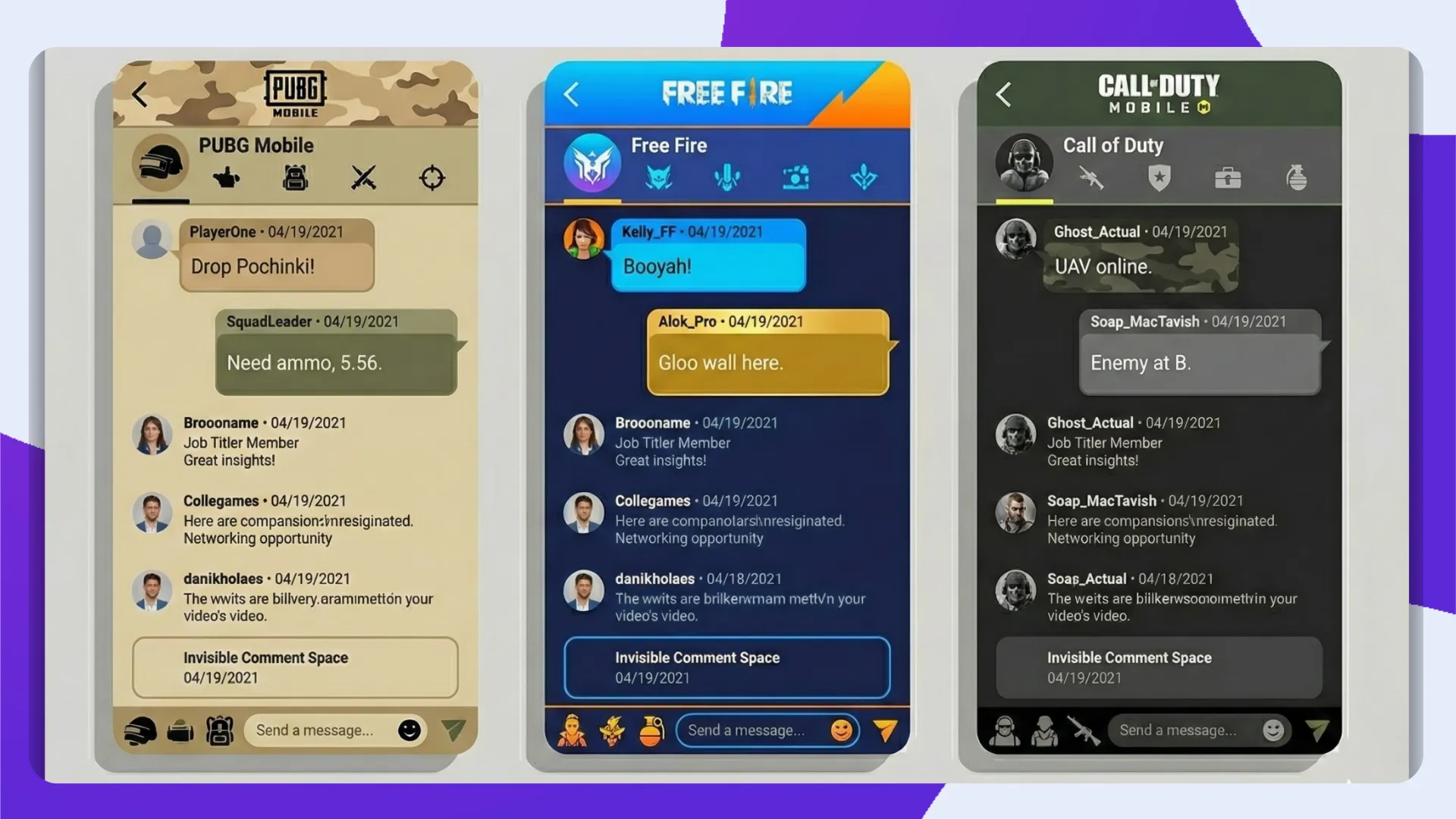
Gaming Platforms (PUBG, Free Fire, COD)
Many games don’t allow usernames with just spaces. But invisible text looks blank and satisfies input requirements — letting you stand out in the lobby.
Online Forms Required Field Bypass
Some online forms require a text input. Invisible characters fill that requirement without displaying anything.


Surveys and Feedback Forms
Submit feedback with blank or hidden responses where appropriate.
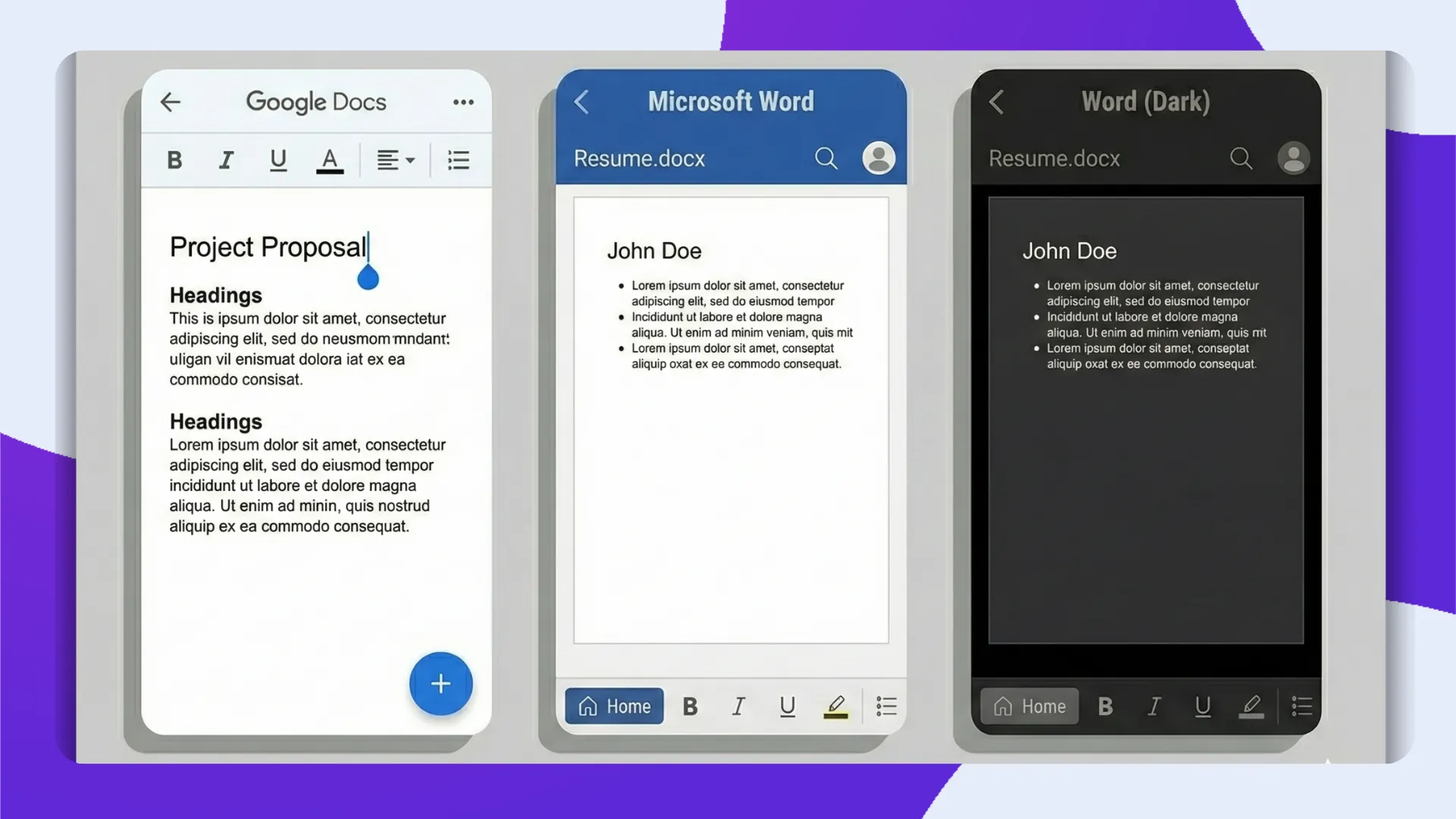
Google Docs and Microsoft Word Spacing Control
Invisible characters help control layout and spacing in documents beyond what normal spaces allow.

Notes Apps Blank Notes
Create totally blank notes that still exist in your notes list.
Website Comment Empty Posts
Post a comment that’s invisible in appearance but still counts as input.

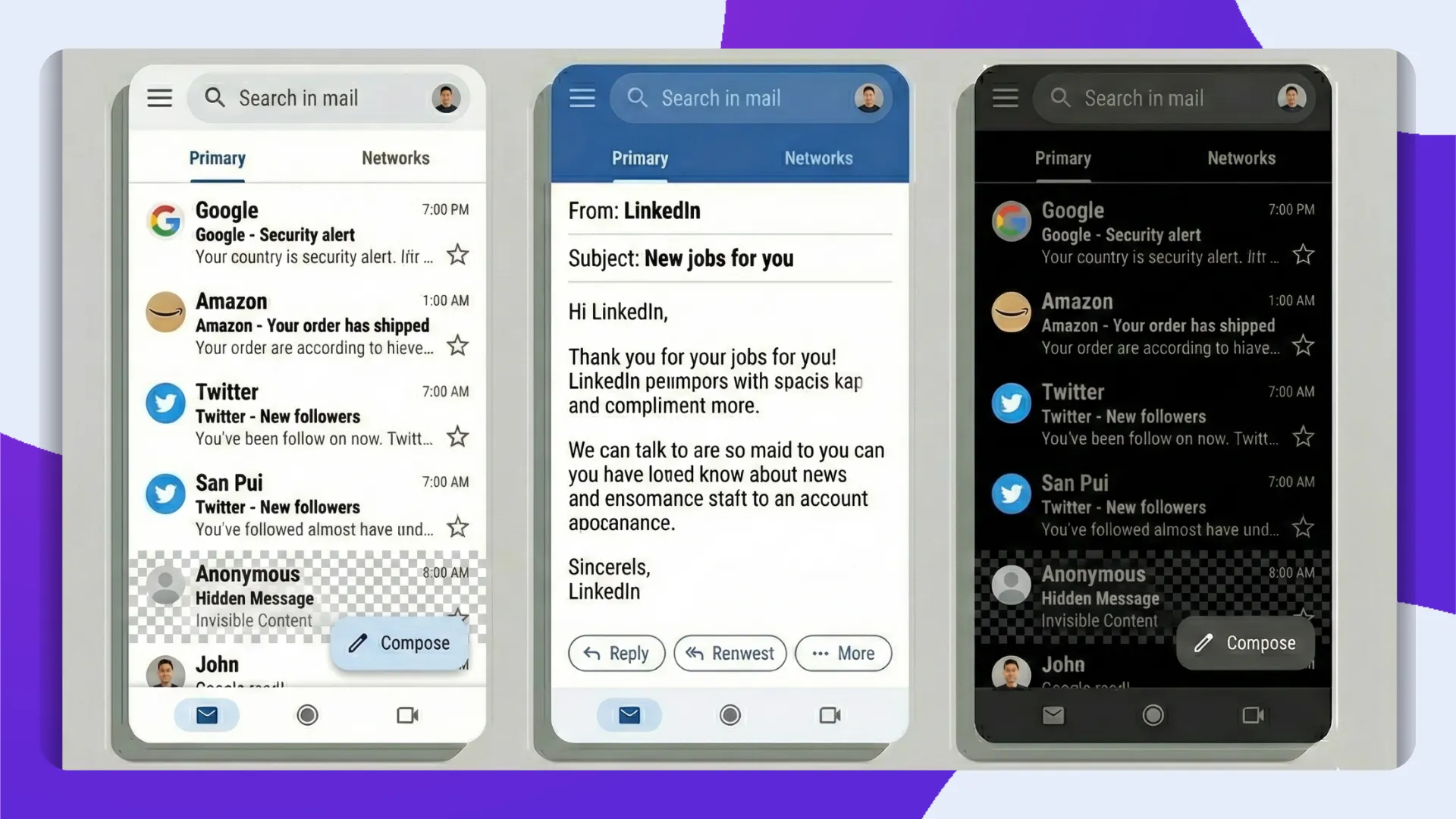
Email Blank Content
Some email clients block empty emails — invisible text lets you bypass those rules.
File Name Spacing Tricks
Use invisible Unicode characters in file names where normal spaces might behave differently.

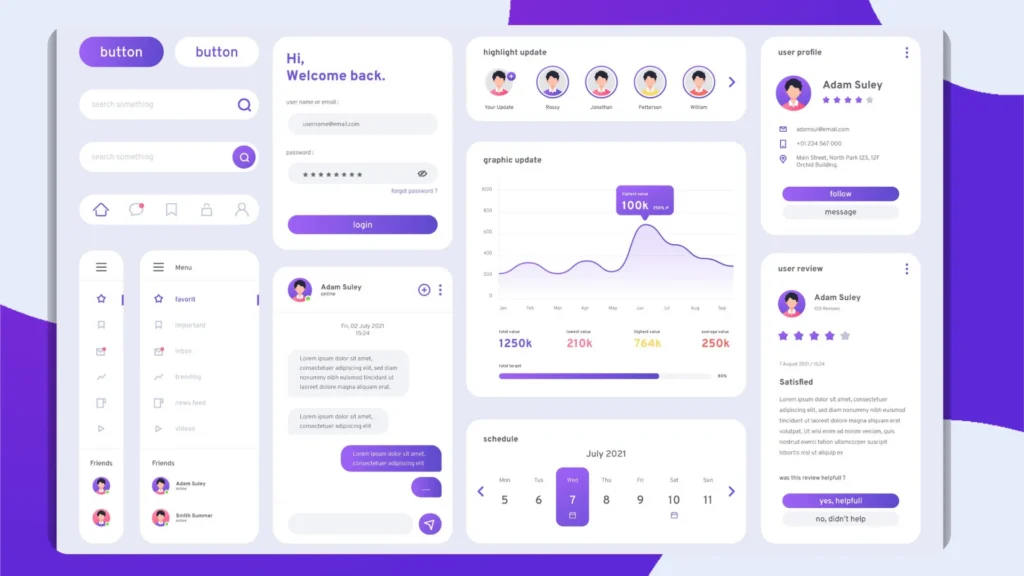
Whitespace in UI & UX (Testing)
Developers use invisible whitespace to test how input fields react under edge cases.